

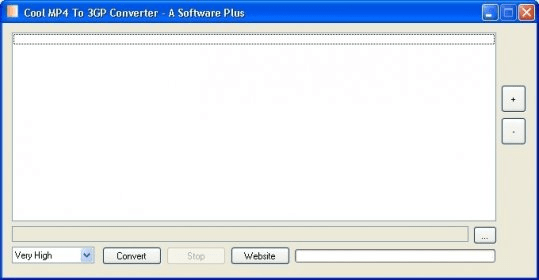
Those of you who need a fast and simple conversion tool to move your MPEG-4 content into a format that your mobile phone can play, might give Cool MP4 To 3GP Converter a try. This free application performs fast and high-quality conversions with very little intervention from the user. Its batch conversion capabilities, together with the possibility of using any of the quality presets available, makes this tool one of the simplest converters you can lay your hands on.
The conversion process is usually very fast, as in many occasions the difference lies only in the container (MP4 versus 3GP). Both can use MPEG-4 as the preferred codec for video streams, while AAC is the audio codec that usually goes with it. Only when other codecs are involved (such as H.263 for video and AMR for audio) the re-encoding process may require some extra seconds. Customizing your output may also have an effect on the duration of the conversion process, though barely noticeable. Among the things you can customize, cropping and padding the size of the image is one of its most interesting features. The frame rate (PAL or NTSC) and the aspect ratio can also be changed, together with the bit rate used (this, for both video and audio). Regardless of your choice, this free and compact tool always delivers good output.





Comments